
5 Awesome pgAdmin Alternatives
 Yulei Chen
pgAdmin is the most popular open-source administration tool for PostgreSQL. It provides a full-featured web interface for managing databases, running queries, inspecting schemas, and monitoring server activity. pgAdmin is completely free and open-source, with no paid cloud version or hosted offering from the project itself.
While pgAdmin is free to run, setting up and maintaining your own instance still takes time. If you want a hassle-free pgAdmin deployment with HTTPS, persistent storage, and automatic updates, you can self-host pgAdmin on Sliplane for just €9/month per server. Check out our easy deploy guide to get started in minutes.
That said, pgAdmin isn't the only way to manage your PostgreSQL databases. Maybe you find its UI a bit dated, want a tool that supports multiple database engines, or prefer a native desktop app over a web interface. Here are 5 awesome alternatives worth checking out.
1. DBeaver
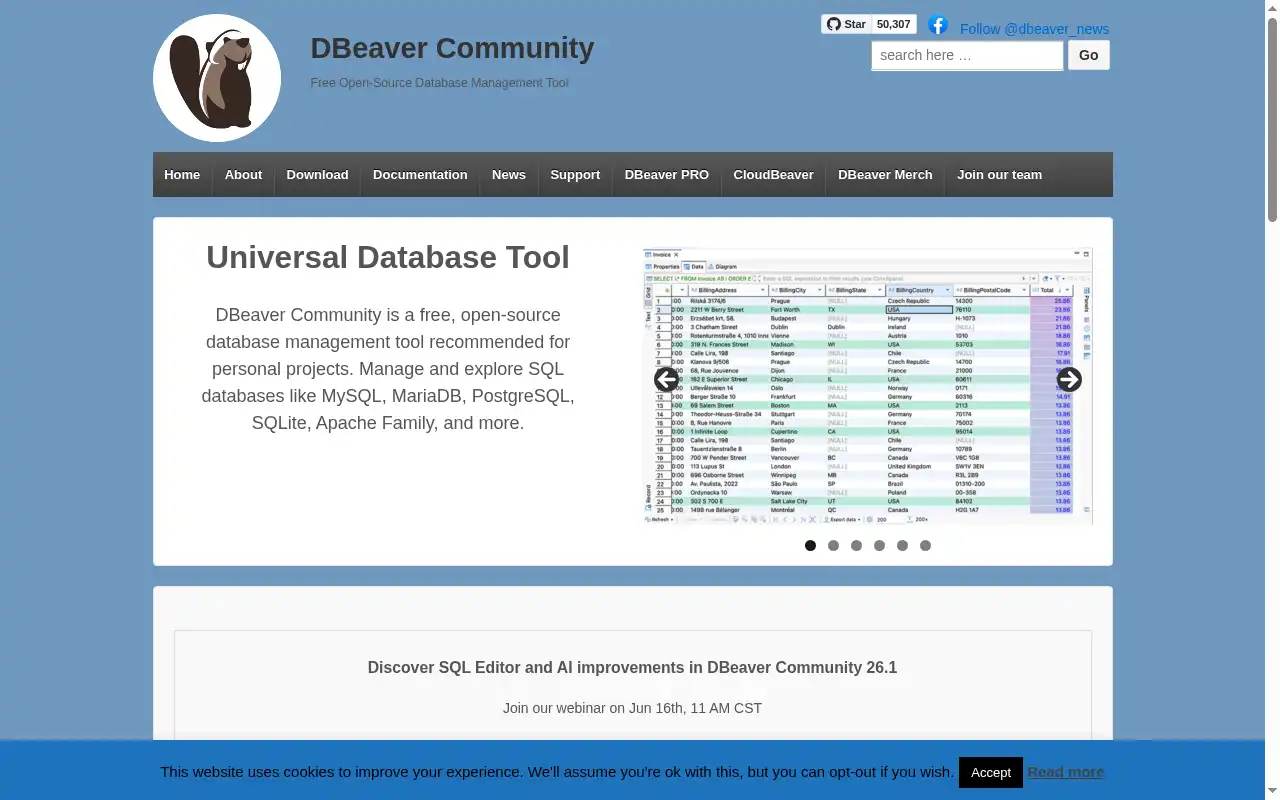
DBeaver is the most popular open-source database management tool, supporting PostgreSQL and virtually every other database engine you can think of. Built on Eclipse, DBeaver offers a rich desktop experience with features that go far beyond what pgAdmin provides, especially if you work with multiple database types.
- Features: Universal database support (PostgreSQL, MySQL, SQLite, Oracle, SQL Server, MongoDB, and 80+ more), SQL editor with auto-completion and syntax highlighting, ER diagram generation, data transfer and migration tools, SSH tunneling, and a plugin architecture for extensions.
- Why You Should Use It: If you work with more than just PostgreSQL, DBeaver is the clear winner. One tool covers all your databases, with a consistent interface across all of them. The Community edition is genuinely full-featured and free. ER diagrams and data export/import are built right in.
- Why Not: DBeaver is a desktop app built on Eclipse, so it can feel heavy and resource-hungry compared to lighter tools. The UI is powerful but busy, with a steeper learning curve than pgAdmin's web interface. The free Community edition lacks NoSQL support and some advanced features like query planning visualizations.
- Pricing: Community edition is completely free and open-source. PRO starts at $99/year per user. Enterprise is $250/year per user. Self-hosting the Community edition costs nothing.
2. CloudBeaver
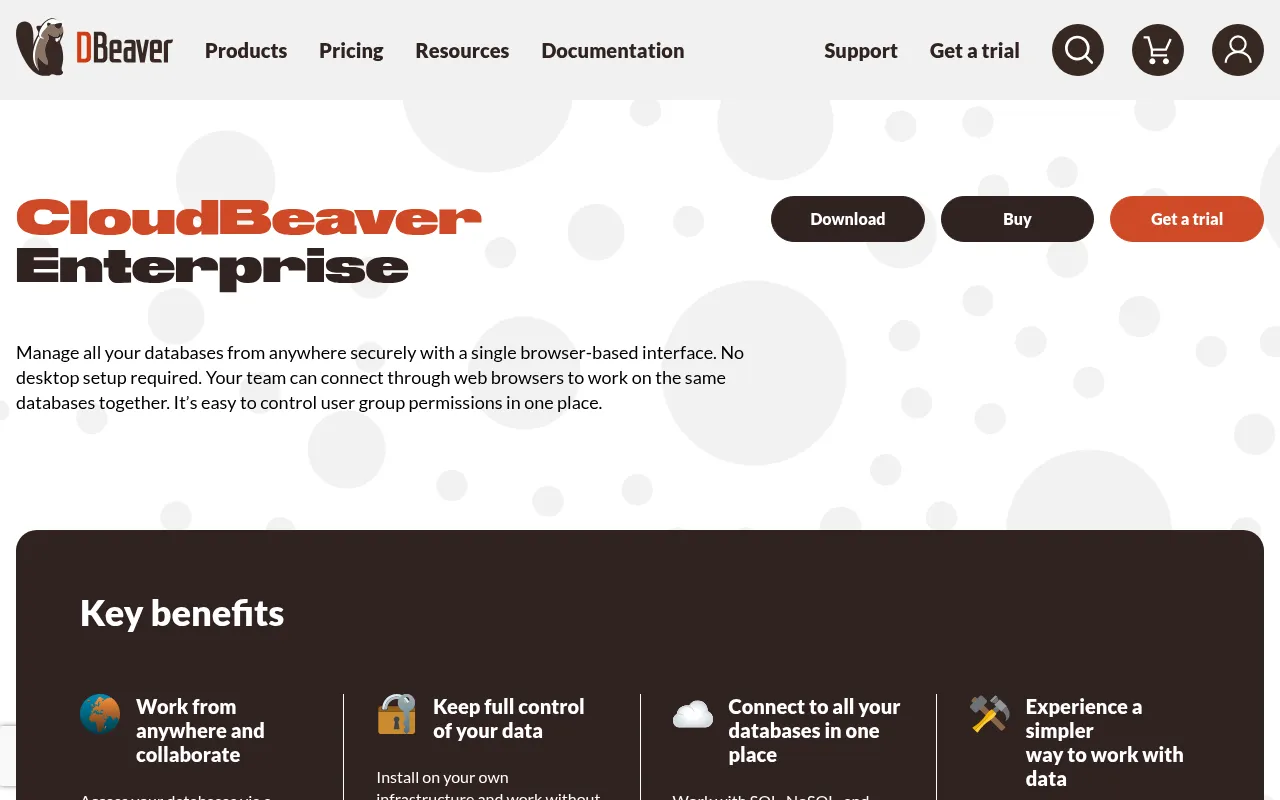
CloudBeaver is the web-based counterpart to DBeaver, built by the same team. It gives you a browser-based database management experience similar to pgAdmin, but with support for many more database engines and a more modern UI.
- Features: Web-based interface accessible from any browser, multi-database support (PostgreSQL, MySQL, Oracle, SQL Server, and more), SQL editor with auto-completion, data viewer and editor, role-based access control, connection sharing for teams, and Docker-based deployment.
- Why You Should Use It: If you like pgAdmin's web-based approach but want to manage multiple database types from one place, CloudBeaver is the natural upgrade. The team sharing features make it great for organizations where multiple developers need database access. It's also easy to deploy with Docker, just like pgAdmin.
- Why Not: The Community edition lacks some enterprise features like advanced security, audit logging, and connection pooling. Performance can be slower than native desktop clients for large datasets. The UI, while modern, is less mature than DBeaver's desktop version.
- Pricing: Community edition is free and open-source (Apache 2.0 license). Enterprise edition pricing is available on request from DBeaver. Self-hosting the Community edition is completely free.
3. Beekeeper Studio
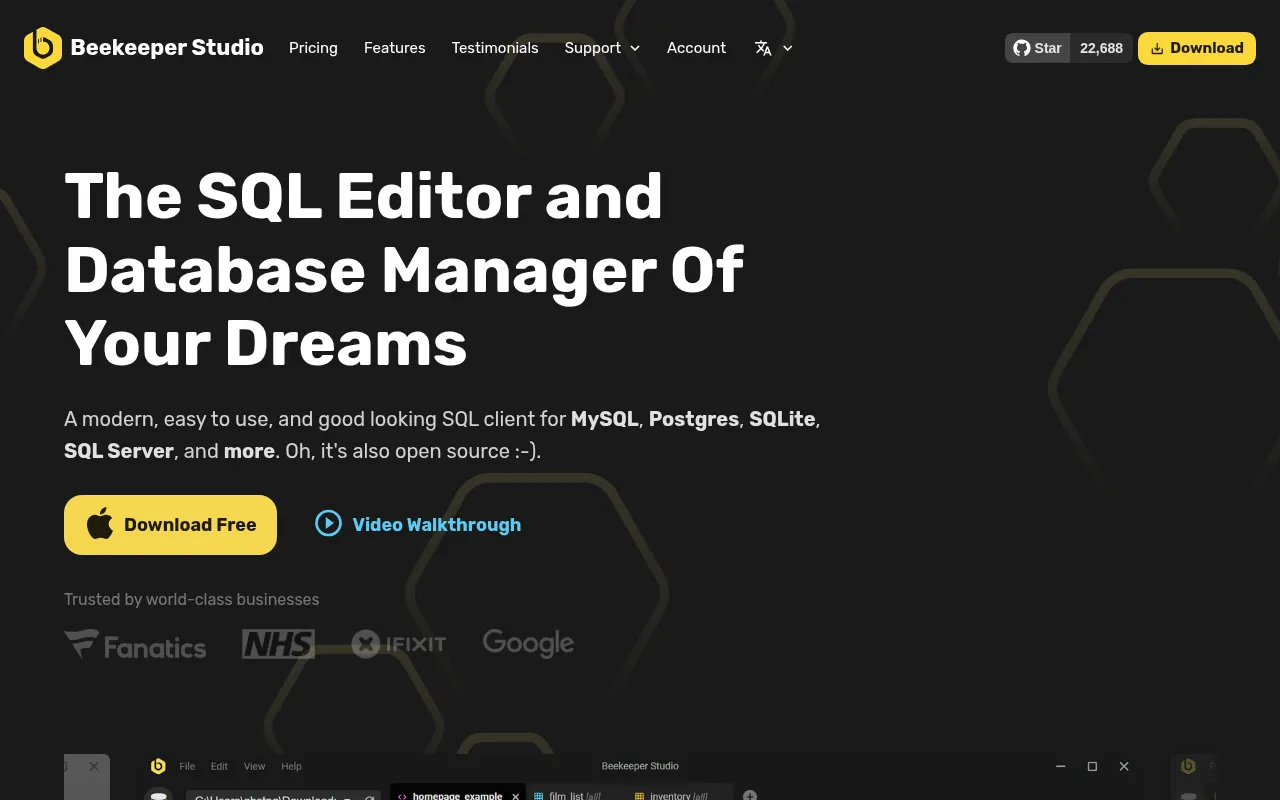
Beekeeper Studio is a modern, lightweight database client with a clean UI that feels like a breath of fresh air compared to pgAdmin's more traditional interface. It's a native desktop app built with Electron, designed to be fast and simple.
- Features: Clean and intuitive SQL editor with auto-completion, table data viewer and editor, query history and saved queries, SSH tunnel support, import/export to CSV and JSON, dark mode, tabbed interface for multiple connections, and support for PostgreSQL, MySQL, SQLite, SQL Server, CockroachDB, and more.
- Why You Should Use It: If pgAdmin's interface feels clunky or overwhelming, Beekeeper Studio is the opposite. It's designed for developers who want a fast, no-nonsense way to query and manage databases. The UI is beautifully minimal, the app starts quickly, and it stays out of your way. The Community edition covers most daily tasks.
- Why Not: Beekeeper Studio is a desktop app only, so there's no web-based access for team sharing. It focuses on querying and browsing, so you won't find server monitoring, backup management, or advanced PostgreSQL-specific admin features that pgAdmin offers. Some features like cloud workspaces require a paid plan.
- Pricing: Community edition is free and open-source. Paid plans start at $9/user/month (Indie) with Professional at $14/user/month and Business at $18/user/month. Pay for 12 months and you get a lifetime license for that version.
4. DataGrip
DataGrip is JetBrains' professional database IDE. If you're already using IntelliJ, PyCharm, or other JetBrains tools, DataGrip fits right into your workflow. It's the most powerful option on this list for writing and debugging complex SQL.
- Features: Intelligent SQL editor with context-aware auto-completion, query console with execution plans, schema comparison and migration tools, version control integration, data editor with filtering and sorting, support for PostgreSQL, MySQL, Oracle, SQL Server, MongoDB, Redis, and many more, and refactoring tools for database schemas.
- Why You Should Use It: If SQL is a core part of your daily work, DataGrip is the best IDE for it. The code completion is context-aware and understands your schema, so it suggests columns, tables, and joins intelligently. The query profiler and execution plan visualization help optimize slow queries. If you already pay for the JetBrains All Products Pack, DataGrip is included.
- Why Not: DataGrip is proprietary and requires a paid subscription. It's a desktop-only tool with no web interface. It's also heavier than simpler tools since it's a full IDE, not just a database browser. The learning curve is steeper than pgAdmin for basic tasks.
- Pricing: Individual licenses start at $109/year (dropping to $65/year in year 3+). Organization licenses are $259/year per user. Free for students, open-source developers, and non-commercial use. A 30-day free trial is available.
5. Adminer

Adminer takes the opposite approach from every other tool on this list. Instead of a feature-rich application, Adminer is a single PHP file that you drop onto a web server. It's incredibly lightweight and perfect for quick database management tasks, especially in shared hosting environments.
- Features: Single-file deployment (one PHP file), support for PostgreSQL, MySQL, SQLite, Oracle, MS SQL, and more via plugins, table structure editing, SQL command execution, data import/export, user and permission management, and a clean, minimal interface.
- Why You Should Use It: If you need quick, no-setup database access, nothing beats Adminer. Upload one file, open it in your browser, and you're connected. It's perfect for shared hosting, quick debugging sessions, or environments where installing pgAdmin or Docker isn't practical. Despite its size, it covers all the basics you need for day-to-day database management.
- Why Not: Adminer is intentionally minimal. There's no query auto-completion, no ER diagrams, no server monitoring, and no advanced PostgreSQL features like tablespace management. It can be slow with large datasets or bulk operations. There's no built-in collaboration or team features.
- Pricing: Completely free and open-source (Apache License / GPL 2). No paid tiers, no enterprise edition, no cloud offering. Self-hosting costs nothing beyond your existing web server.
Conclusion
| Tool | Best For | Ease of Setup | Focus | Cloud Pricing |
|---|---|---|---|---|
| pgAdmin | PostgreSQL-specific admin | Easy (Docker) | PostgreSQL management | Free open-source |
| DBeaver | Multi-database management | Easy (installer) | Universal database IDE | Free Community, PRO from $99/yr |
| CloudBeaver | Web-based team access | Easy (Docker) | Browser-based DB management | Free Community, Enterprise on request |
| Beekeeper Studio | Clean, fast querying | Very Easy | Modern SQL client | Free Community, from $9/mo |
| DataGrip | Professional SQL development | Moderate | Full database IDE | DataGrip from $109/yr |
| Adminer | Quick, lightweight access | Very Easy | Minimal DB management | Free open-source |
Each tool fills a different gap: DBeaver for universal multi-database support, CloudBeaver for browser-based team access, Beekeeper Studio for a clean and modern desktop experience, DataGrip for professional SQL development, and Adminer for ultra-lightweight quick access.
pgAdmin remains an excellent choice for PostgreSQL-specific administration, especially if you need deep PostgreSQL features like server monitoring, backup management, and role configuration. But if your workflow involves multiple database types or you prefer a more modern UI, one of these alternatives might be a better fit.
If you want to self-host your database tools, check out these guides: